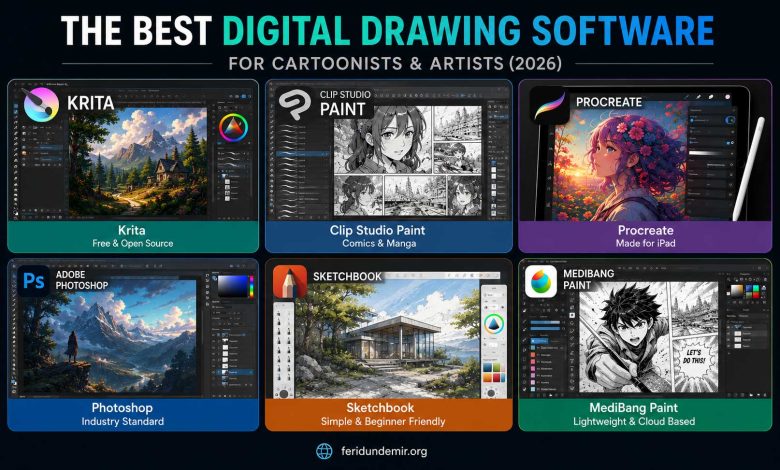
One of the first challenges aspiring digital artists face is choosing the right software. Search online and you’ll find hundreds of recommendations. Some swear by Photoshop, others love Procreate, while many artists argue that today’s free alternatives are powerful enough for professional work.
The truth is simple:
There is no single “best” drawing program for everyone.
The needs of a cartoonist are different from those of a concept artist. A comic creator has different priorities than an illustrator focused on digital painting.
In this guide, I’ve gathered some of the best free and professional drawing applications available today, based on both features and real-world experience from artists who use them every day.
Krita – The Hidden Champion of Free Digital Art
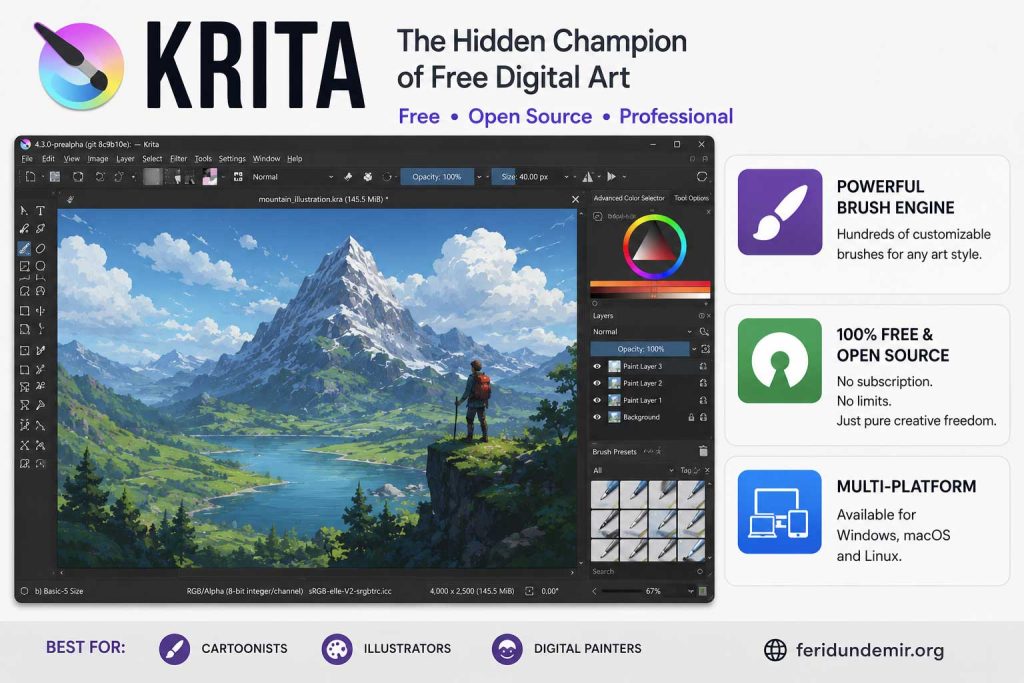
If you’re looking for a professional-quality drawing program without spending a cent, Krita is one of the best options available.
Developed as an open-source project, Krita has evolved into a mature and powerful digital art platform used by hobbyists and professionals alike.
It excels in:
- Cartooning
- Digital painting
- Illustration
- Concept art
- Children’s book artwork
What I particularly like about Krita is that it doesn’t try to be a Photoshop clone. Instead, it has developed its own identity and workflow. Its brush engine is excellent, and it handles large, complex files surprisingly well.
Best For
✔ Beginners
✔ Cartoonists
✔ Illustrators
✔ Artists looking for a free professional solution
Official Website
Clip Studio Paint – The King of Comics and Cartoons
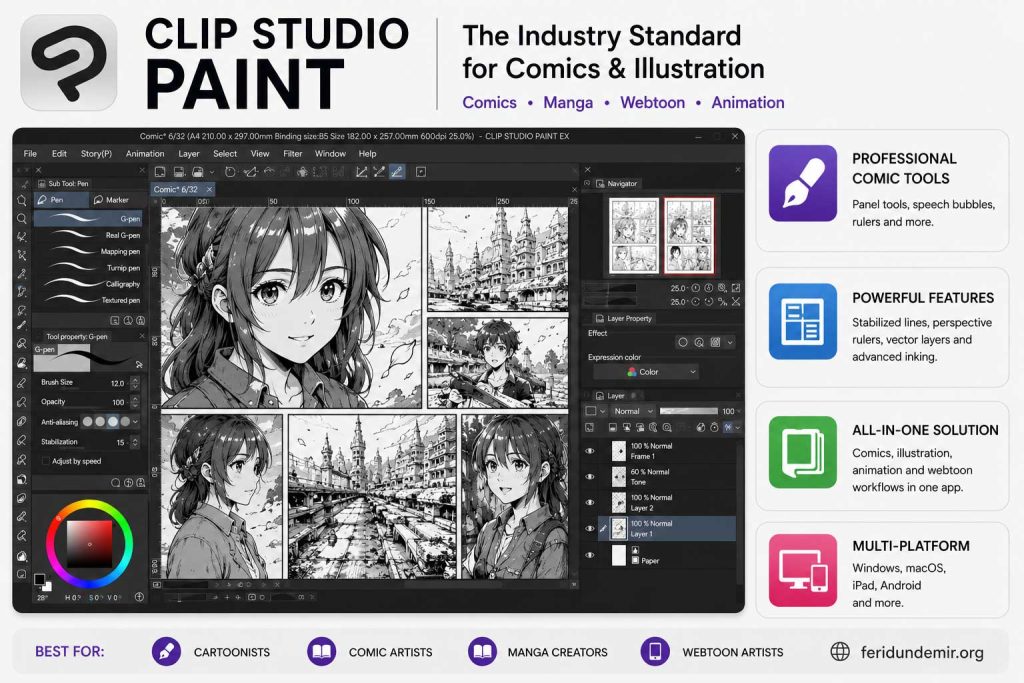
Ask professional comic artists, manga creators, or webtoon illustrators what software they use, and you’ll hear Clip Studio Paint mentioned again and again.
There is a good reason for that.
The program was designed specifically for drawing and storytelling. Features such as line stabilization, perspective rulers, comic panel tools, speech balloons, and multi-page project management make it one of the most complete comic creation tools available.
Among its strengths are:
- Exceptional line stabilization
- Comic and manga production tools
- Perspective rulers
- Vector layers
- Webtoon support
- Animation features
For cartoonists and comic artists, Clip Studio Paint is often considered the industry favorite.
Best For
✔ Cartoonists
✔ Comic artists
✔ Manga creators
✔ Webtoon artists
✔ Animators
Official Website
Official Tutorials
https://tips.clip-studio.com/en-us/official
Procreate – The Ultimate Choice for iPad Users
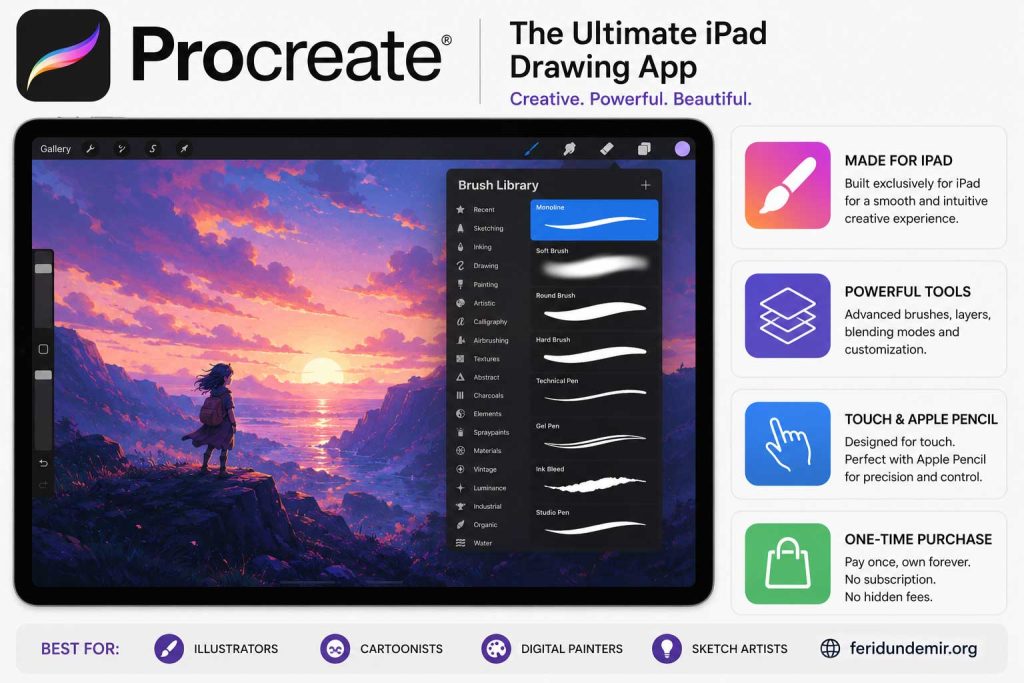
If you own an iPad and an Apple Pencil, you’ve probably already heard of Procreate.
And for good reason.
Procreate was built specifically for the iPad. It offers a smooth, intuitive experience that allows artists to focus on drawing instead of navigating complicated menus.
It is particularly strong for:
- Digital painting
- Cartooning
- Sketching
- Social media illustrations
- Concept art
One of its greatest advantages is mobility. Whether you’re sitting in a café, traveling by train, or relaxing in a park, you can create professional-quality artwork almost anywhere.
Best For
✔ iPad users
✔ Mobile artists
✔ Sketching enthusiasts
✔ Apple Pencil owners
Official Website
App Store
https://apps.apple.com/app/procreate/id425073498
Adobe Photoshop – Still a Powerful Classic
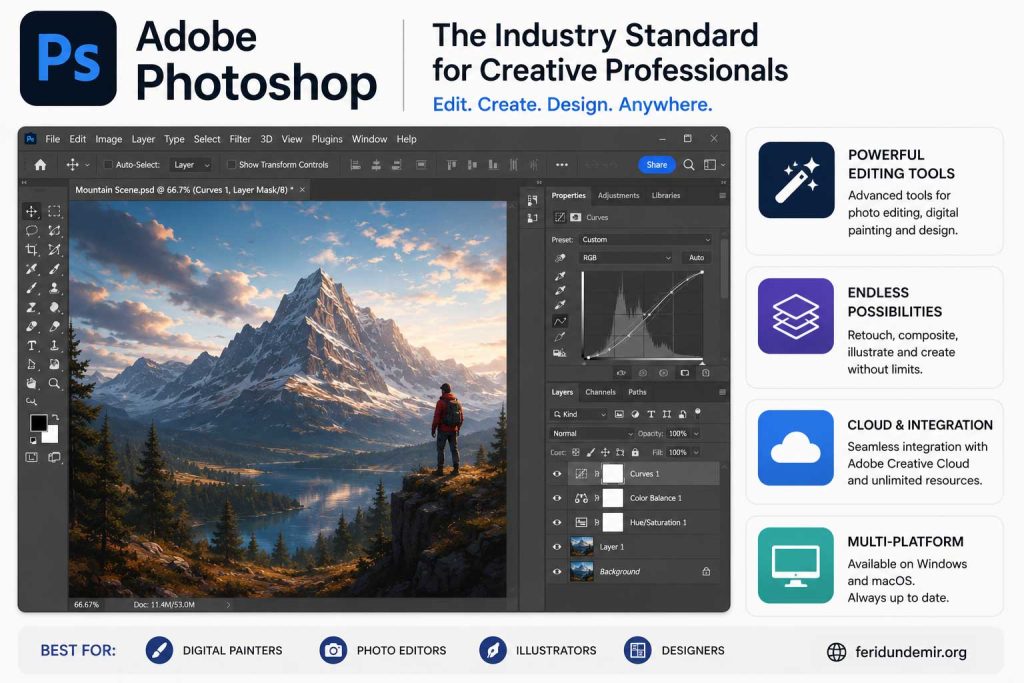
Photoshop wasn’t originally designed as a drawing application.
However, over the years it has become one of the most influential tools in digital art.
Many professional illustrators continue to use Photoshop because it combines painting, image editing, graphic design, and publishing tools in a single environment.
Photoshop remains excellent for:
- Digital painting
- Cartoon coloring
- Book cover design
- Poster creation
- Photo editing
Although there are now more specialized drawing applications available, Photoshop remains a versatile and powerful creative tool.
Best For
✔ Professional artists
✔ Designers
✔ Illustrators
✔ Publishers
Official Website
https://www.adobe.com/products/photoshop.html
Sketchbook – Perfect for Beginners
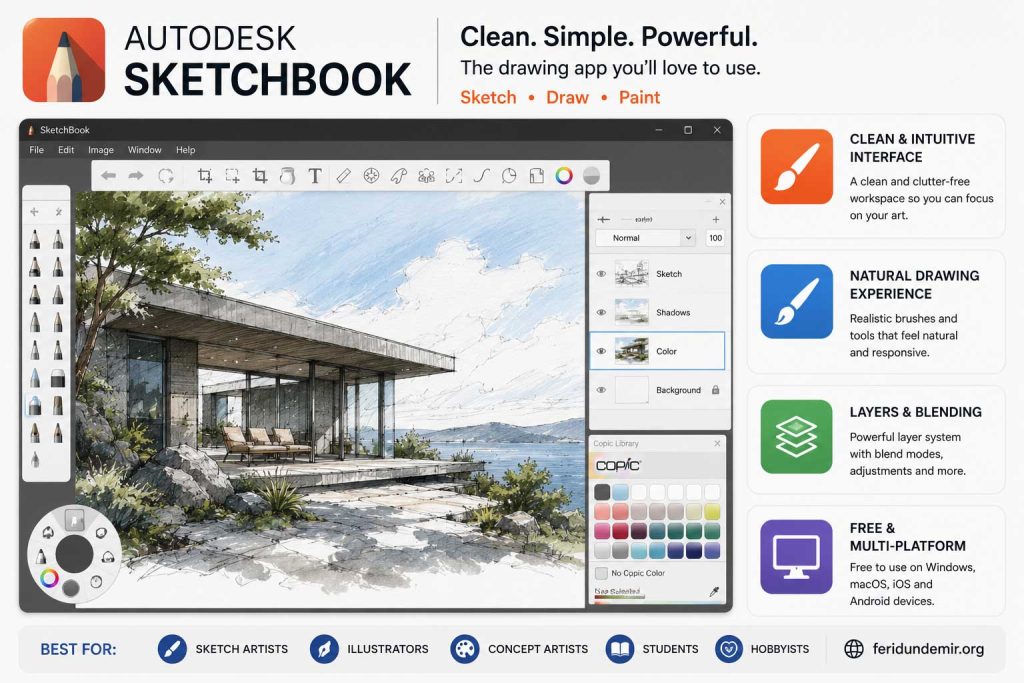
Some drawing programs can feel overwhelming with countless menus and settings.
Sketchbook takes the opposite approach.
Its clean and minimalist interface allows artists to start drawing immediately without spending hours learning the software.
It’s particularly useful for quick sketches, brainstorming, and daily practice.
Best For
✔ Beginners
✔ Tablet users
✔ Sketch artists
✔ Those who prefer simplicity
Official Website
MediBang Paint – Lightweight and Cartoon-Friendly
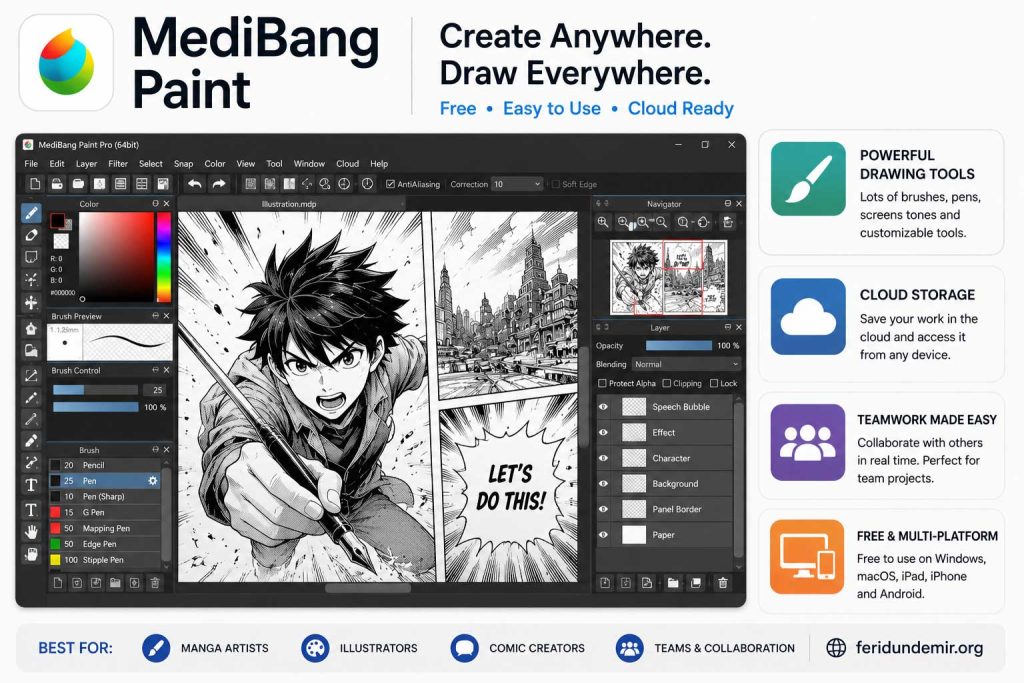
MediBang Paint is especially popular among manga and comic artists.
The software includes built-in comic panels, speech balloons, cloud synchronization, and collaboration tools that simplify the production process.
One of its biggest advantages is its lightweight design. Even older computers can run it smoothly.
Best For
✔ Manga artists
✔ Cartoonists
✔ Users with older computers
✔ Artists seeking a free solution
Official Website
Quick Comparison Table
| Software | Platform | Pricing | Best Feature |
|---|---|---|---|
| Krita | Windows, Mac, Linux | Free | Digital Painting |
| Clip Studio Paint | Windows, Mac, iPad, Android | Paid | Comics & Cartoons |
| Procreate | iPad | One-Time Purchase | Mobile Drawing |
| Photoshop | Windows, Mac | Subscription | Professional Design |
| Sketchbook | Windows, Mac, Mobile | Free | Ease of Use |
| MediBang Paint | All Platforms | Free | Manga & Webtoons |
Which One Would I Choose?
If I were starting today with no budget, I would begin with Krita.
If my main focus was cartooning, comics, or graphic storytelling, I would invest in Clip Studio Paint.
If I owned an iPad and Apple Pencil, Procreate would be extremely difficult to ignore.
And Photoshop?
I would still keep it around for design work, publishing, image editing, and finishing touches.
But here’s something important to remember:
There is no magic software that will instantly make you a better artist.
The best drawing program is the one that motivates you to draw every day.
The Biggest Mistake New Artists Make
Many beginners spend more time searching for software than actually drawing.
Today they install Krita.
Tomorrow they watch Procreate tutorials.
Next week they switch to Photoshop.
A month later they’re trying something else.
Meanwhile, experienced artists keep creating.
The truth is simple:
Great artwork comes from practice, not software.
Mastering one program is far more valuable than constantly jumping between five different ones.
Frequently Asked Questions
What is the best free drawing software?
For most artists, Krita is currently one of the strongest free digital art programs available.
What is the best software for cartoonists?
Clip Studio Paint is widely regarded as one of the best applications for cartoons, comics, manga, and webtoons.
What is the best drawing app for iPad?
Procreate remains the most popular choice among iPad artists and Apple Pencil users.
Can professional artwork be created without Photoshop?
Absolutely. Many professionals work exclusively with Krita, Clip Studio Paint, or Procreate.
What is the easiest drawing software for beginners?
Sketchbook and Krita are both excellent starting points thanks to their intuitive interfaces and gentle learning curve.
Share this content:
Discover more from Feridun Demir
Subscribe to get the latest posts sent to your email.